Industries

Chinese Restaurant

Round tables, ordering, takeout — tables and menus kept in step

Merging round tables, adding dishes, takeout and drinks — tables move, menus change, the system keeps up.
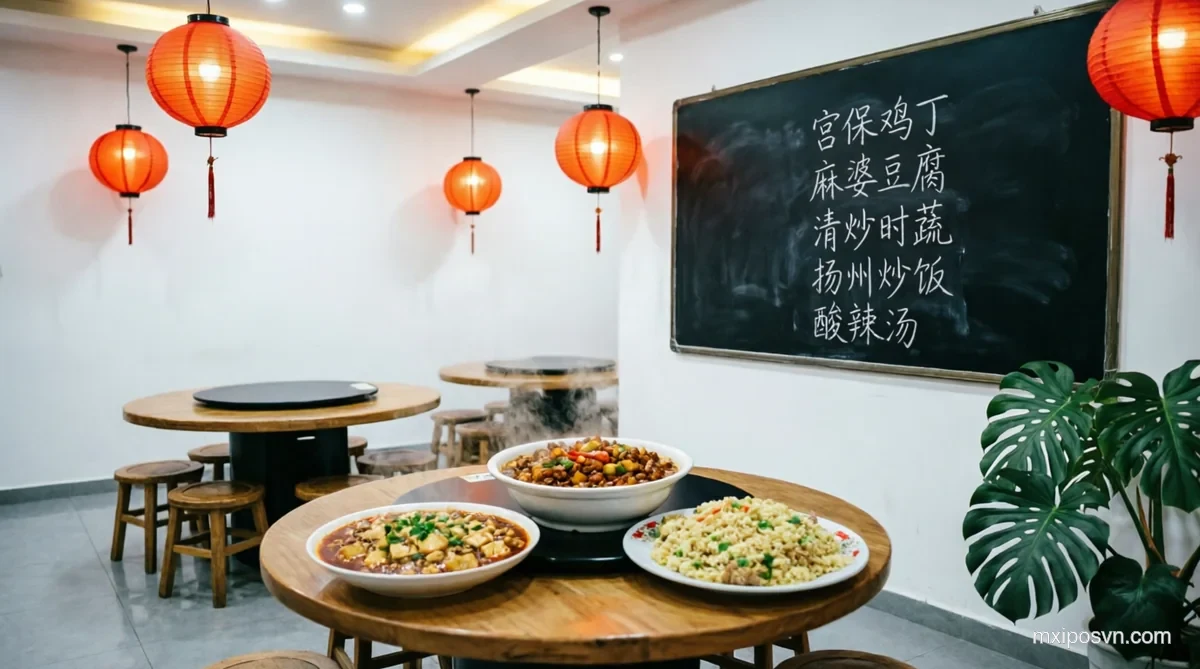
Common Chinese Restaurant Challenges

MxiPOS solves the four biggest pain points in Chinese restaurant operations

🗣️

Language Barrier

Chinese guests can't read Vietnamese menus, waiters translate slowly — ordering inefficiency.

Multi-language menu — Chinese/Vietnamese/English, guests self-select language
🐌

Kitchen Chaos

Many Chinese dishes, complex prep — kitchen ticket routing errors.

Color-coded KDS — cold dishes, hot dishes, soups on separate screens
🔥

Low Table Turnover

Long wait times, slow checkout, inflexible seating — lost customers at peak.

Flexible table management + QR checkout — supports opening, adding items, splitting and checkout
💰

Menu Management

Many dishes, complex prep, frequent sell-outs — slow menu updates.

Real-time menu management — one-tap sell-out, seasonal menu instant switch

Built for Chinese Restaurants

Every feature designed for the rhythm of Chinese restaurant operations

Multi-language Menu

Chinese, Vietnamese, English — guests scan QR, pick language, order seamlessly.

Table Management

Visual floor plan, merge/split/relocate tables — flexible for peak hours.

Kitchen Routing

Cold dishes, hot dishes, soups, pastries — auto-route to corresponding stations.

QR Ordering

Guests scan QR, browse menu, order, add items — reduces waiter workload.

Member Operations

Points, coupons, stored-value cards — boost repeat customer rate.

Business Reports

Dish sales, hourly traffic, revenue — all on MxiBoss, at a glance.

Four Apps Working as One

Every role covered — cashier, waiter, kitchen, manager, owner

🖥️

MxiPOS

Cashier & Checkout

📱

MxiPAD

Staff Order Taking / Customer Self-Ordering

🖥️

MxiKDS

Kitchen Display

📱

MxiBoss

Owner Dashboard

Explore the Chinese restaurant setup

Chinese Restaurant POS — Frequently Asked Questions

Does it support Chinese menus?
Yes. Menus support Chinese, Vietnamese, and English. Guests scan QR, select language, and order without barriers.
Can I split kitchens?
Yes. Cold dishes, hot dishes, soups, pastries — auto-route to corresponding KDS screens or printers. See the MxiKDS kitchen display guide for details.
Does it support private rooms?
Yes. Private rooms, main hall, outdoor seating — flexible table layout. Private rooms can bill separately or merge.
Can guests order via QR?
Yes. Each table gets a unique QR code. Guests scan, browse, order, and add items. Orders go straight to the kitchen and waiter's device. See the QR ordering guide for details.
How long does setup take for a Chinese restaurant?
The owner account can be activated within 5 minutes. Most restaurants can complete employee accounts, food and beverage items, and table setup and start checkout within one hour. Actual go-live time depends on the number of products or menu items, store layout, printing/KDS, payments, staff training, and other configuration requirements. To confirm the setup for your store, contact the MxiPOS team.

crpos.cta.title

crpos.cta.desc