Cantonese Restaurant
Morning tea, dim sum, banquets — from yee chong to private rooms
Tea seat fees, dim sum by the steamer, call-up/call-off, private-room banquets — even the fiddliest Cantonese details add up.
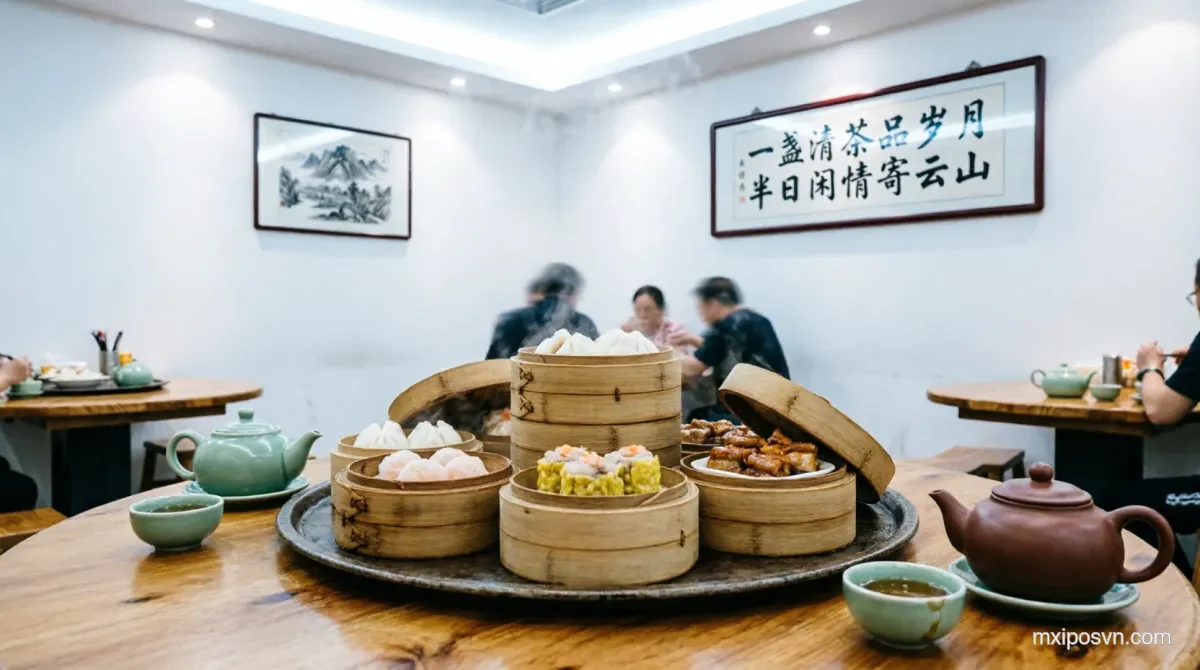
Common Cantonese Restaurant Pain Points
MxiPOS solves four major pain points in Cantonese restaurant operations
Rush morning-tea turnover
Morning tea peaks come in waves — slow seating, merging, and checkout leave guests waiting.
Many dim sum varieties
Shrimp dumplings, siu mai, rice noodle rolls, char siu buns — many items, frequent sell-outs, slow menu updates.
Language barrier
Hong Kong guests and tourists may not understand a Vietnamese menu — staff translation slows down ordering.
Hard-to-manage private rooms
Room bookings, minimum spends, split/merge bills — manual records miss things.
Built for Cantonese Restaurants
Every feature designed for the rhythm of a Cantonese restaurant
Multi-language Menu
Supports Simplified Chinese, Traditional Chinese, Vietnamese, and English. Guests choose a language after scanning to order, with Cantonese voice announcements available.
Tables & Private Rooms
Visual floor plan; hall, private rooms, and outdoor seating flexibly configured, with merge/split.
Kitchen Routing
Dim sum, hot dishes, soups, and desserts auto-routed to the right kitchen.
QR Ordering
Guests scan to browse the menu, order, and add items — less waiter workload.
Membership
Points, coupons, stored-value cards — boost repeat visits from regulars.
Business Reports
Dim sum sales, traffic by hour, revenue — all clear in MxiBoss.
Four Apps Working as One
Every role covered — cashier, waiter, kitchen, manager, owner
MxiPOS
Cashier & checkout
MxiPAD
Staff Order Taking / Customer Self-Ordering
MxiKDS
Kitchen display
MxiBoss
Owner dashboard
Explore the Cantonese restaurant setup
Cantonese Restaurant POS — FAQs
Does it support Simplified and Traditional Chinese with Cantonese voice announcements?
Can it manage private-room bookings?
Can morning-tea and lunch menus be separated?
Can guests scan to order?
How long to go live for a Cantonese restaurant?
Ready to upgrade your Cantonese restaurant?
Book a free demo tailored to your Cantonese restaurant. See MxiPOS in action before you decide.