Japanese & Korean Restaurant
Grills, sushi, set meals — however much you grill, no order slips
BBQ grills, sushi, set meals — the grill is busy, the wait is long, but orders never get mixed up.
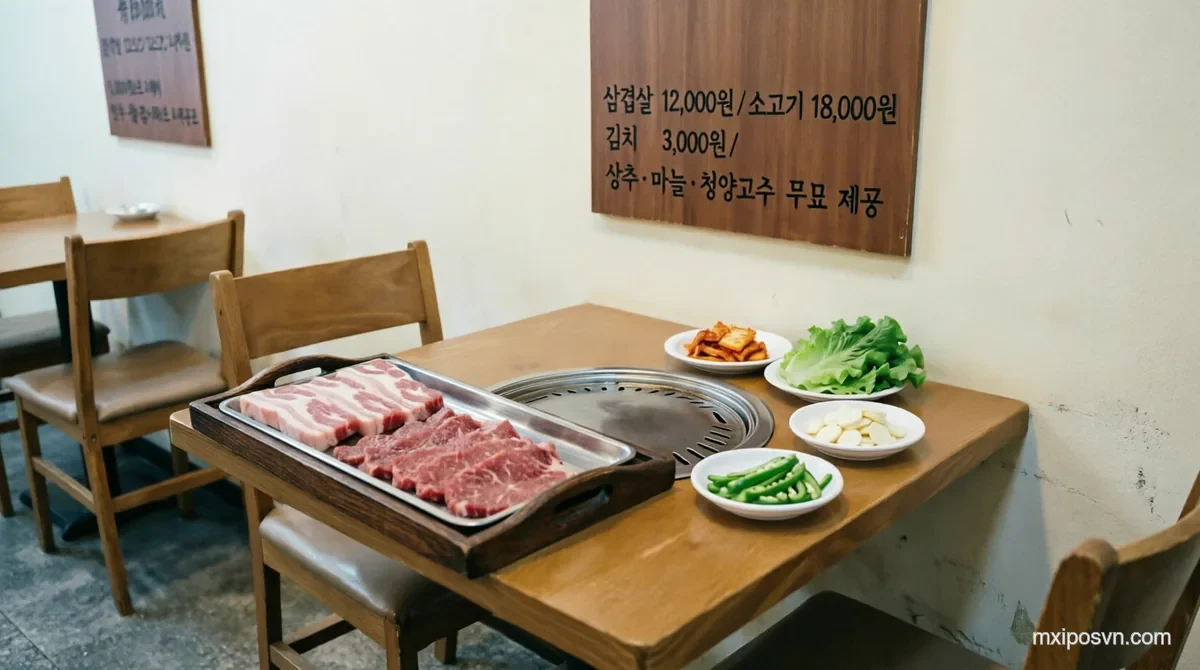
Common Pain Points for Japanese & Korean Restaurants
MxiPOS solves the four biggest pain points in your restaurant's operations
Language Barriers
Japanese and Korean guests can't read Vietnamese menus, and slow translation by staff slows down ordering.
Kitchen Chaos
Sushi, BBQ, and rice bowls come in many varieties with complex preparation — food routing is error-prone.
Low Table Turnover
Long waits and slow checkout — you lose guests at peak hours.
Menu Management
Japanese cuisine demands freshness, with frequent sell-outs and slow seasonal menu updates.
Built for Japanese & Korean Restaurants
Every feature designed around your restaurant's rhythm
Multi-Language Menus
Chinese, Japanese, Korean, Vietnamese, and English — guests scan and pick their language, ordering without barriers.
Table Management
Visual floor plan; merge, split, and move tables — stay flexible at peak hours.
Kitchen Routing
Sushi, BBQ, banchan, and mains — automatically routed to the right kitchen station.
QR Ordering
Guests scan to browse the menu, order, and add items — less work for your servers.
Membership
Points, coupons, and stored-value cards — boost repeat visits from regulars.
Business Reports
Dish sales, traffic by time slot, and revenue — all at a glance in MxiBoss.
Four Apps Working as One
Every role covered — cashier, server, kitchen, manager, owner
MxiPOS
Checkout & Payments
MxiPAD
Staff Order Taking / Customer Self-Ordering
MxiKDS
Kitchen Display
MxiBoss
Owner Dashboard
Explore the Japanese-Korean restaurant setup
Japanese & Korean Restaurant POS — FAQs
Do you support Japanese and Korean menus?
Can I split the kitchen?
Do you support private room management?
Can guests order via QR code?
How long does it take to go live?
Ready to Upgrade Your Japanese & Korean Restaurant?
Book a free demo tailored to your restaurant. See MxiPOS in action before you decide.