Retail POS System in Vietnam
Products, checkout, stock, purchasing, and members in one system
For convenience stores, general stores, and specialist retailers. Connect product records, checkout, inventory movements, stocktaking, purchasing, suppliers, member management, and business reports.
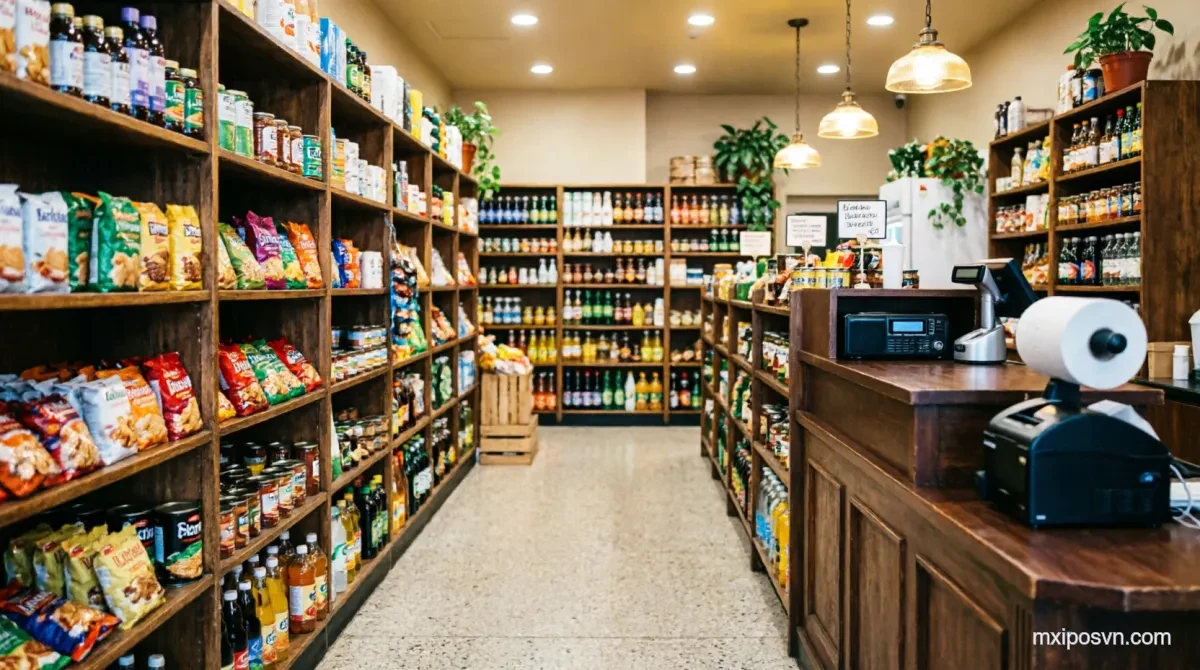
Common retail operating needs
Products, inventory, purchasing, and multi-store reporting
Scattered inventory records
Receipts, sales, stocktakes, and adjustments are kept separately.
Inconsistent product data
Categories, SKUs, barcodes, and prices can differ.
Member records are hard to maintain
Customer and store sales records are disconnected.
Multi-store data is hard to consolidate
Sales and stock from each store require manual preparation.
Which retail stores is this for?
For stores where product sales and stock control are daily priorities
Convenience and general stores
For stores that need product, checkout, stock, and member management.
Specialist retailers
For catalogues that use categories, variants, SKUs, or barcodes.
Small retail chains
For operators who need store-level inventory and consolidated reports.
Retail operating workflow
From product setup and purchasing to checkout, stocktaking, and reports
- 1
Create product records
Maintain names, categories, SKUs, variants, barcodes, and prices.
- 2
Purchase and receive
Record suppliers, purchase orders, and received stock.
- 3
Checkout
Search for a product or scan its configured barcode, then settle the sale.
- 4
Count and move stock
Record movements, stocktakes, alerts, and store transfers.
- 5
Review Business Reports
Review sales, product, and stock data.
Verified retail POS capabilities
Promotions, scales, and batch functions require module-level confirmation
Products and barcodes
Maintain names, categories, SKUs, variants, barcodes, and prices.
Inventory and purchasing
Record stock movements, stocktakes, purchasing, and store transfers.
Member records
Manage member records and benefits enabled for the store.
Sales and inventory reports
Review consolidated sales, product, and inventory data.
Supplier records
Maintain supplier records and the configured purchasing workflow.
Product pricing
Maintain product prices; promotions and discount rules depend on the enabled modules.
Explore retail and multi-store solutions
Retail POS FAQ
How many products can I manage?
Is multi-store inventory supported?
Are promotions and discounts supported?
Are electronic scales supported by default?
How long does retail-store setup take?
Confirm the configuration against your retail workflow
Book a demo to confirm your catalogue, inventory, purchasing, member management, and payment scope.